If your X100VI throws a "Lens Error" or "Focus Error" right after you put a filter on, the filter is almost always sitting too close to the lens. Take it off, switch the camera off and on, and the error should clear. The fix is to put the right adapter ring between the camera and the filter, then check close focus before you trust it.
That's the whole answer. The rest of this is why it happens and how to check your own setup in two minutes.
The lens moves, and the filter is in the way
The X100VI's 23mm lens is not a sealed tube with glass parked at the front. The front group moves forward when the camera focuses, and it moves furthest at close distances. Fujifilm's own manual for the X100VI tells you to remove the front ring and attach the AR-X100 adapter ring before mounting the LH-X100 hood, their PRF-49 protective filters, or any third-party filter. The adapter is not decoration. It holds the filter far enough forward that the moving glass has somewhere to go.
When a filter sits too close, the moving group touches the back of it. The camera feels the resistance, stops, and shows the error. Owners on Fuji forums describe the same pattern again and again: everything is fine at normal distances, and the error shows up only when they focus close, sometimes locking the camera until it's switched off and back on.
So if you only see the error now and then, don't assume the camera is faulty. Look at what you last focused on.
Three setups that cause it
A filter or hood with no adapter at all. Some all-in-one kits replace the front ring with a ring that has the filter built in. Several X100VI owners have reported focus errors at minimum focus distance with this kind of kit, including kits that worked on their older X100V. A design that cleared the X100V lens doesn't automatically clear the VI.
An adapter that's too shallow. Not every 49mm adapter gives the same clearance. Some buyer reviews of third-party adapters mention a lens error when focusing close with certain filters, and a few people added thin shims behind the adapter to get more room. That tells you clearance varies between brands, and between filters too, because some filter glass sits deeper in its frame than others.
A step-up ring screwed straight to the barrel. A step-up ring changes thread size. It doesn't add the depth the lens needs, and it doesn't replace the adapter. Put the adapter on first, then a step-up ring if you really want a larger filter.
How to fix it
- Remove the filter and restart the camera. If the error is gone, the camera is fine.
- Unscrew the front ring on the lens and keep it in the box. Fujifilm's manual notes you can grip the whole ring to turn it if it's stiff.
- Mount an X100 adapter ring. Fujifilm's is the AR-X100. Third-party versions exist, but read reviews for close-focus problems before you buy.
- Screw a 49mm filter into the adapter. The X100 has no filter thread of its own, so 49mm only becomes your size once the adapter is on. We covered that in the X100 49mm guide.
- Now test. Switch on, focus on something as close as the camera allows, then on something far away, a few times over. If you get no error, you're done. If the error comes back only at close range, the adapter or filter is still too shallow for your copy, so try a different adapter before you blame the filter.
One thing to skip: forcing a filter tighter to "seat" it. If a filter is right at the edge of the clearance, tightening it can be what pushes it into the lens's path. Hand-snug is enough.
Which filter goes on after the adapter
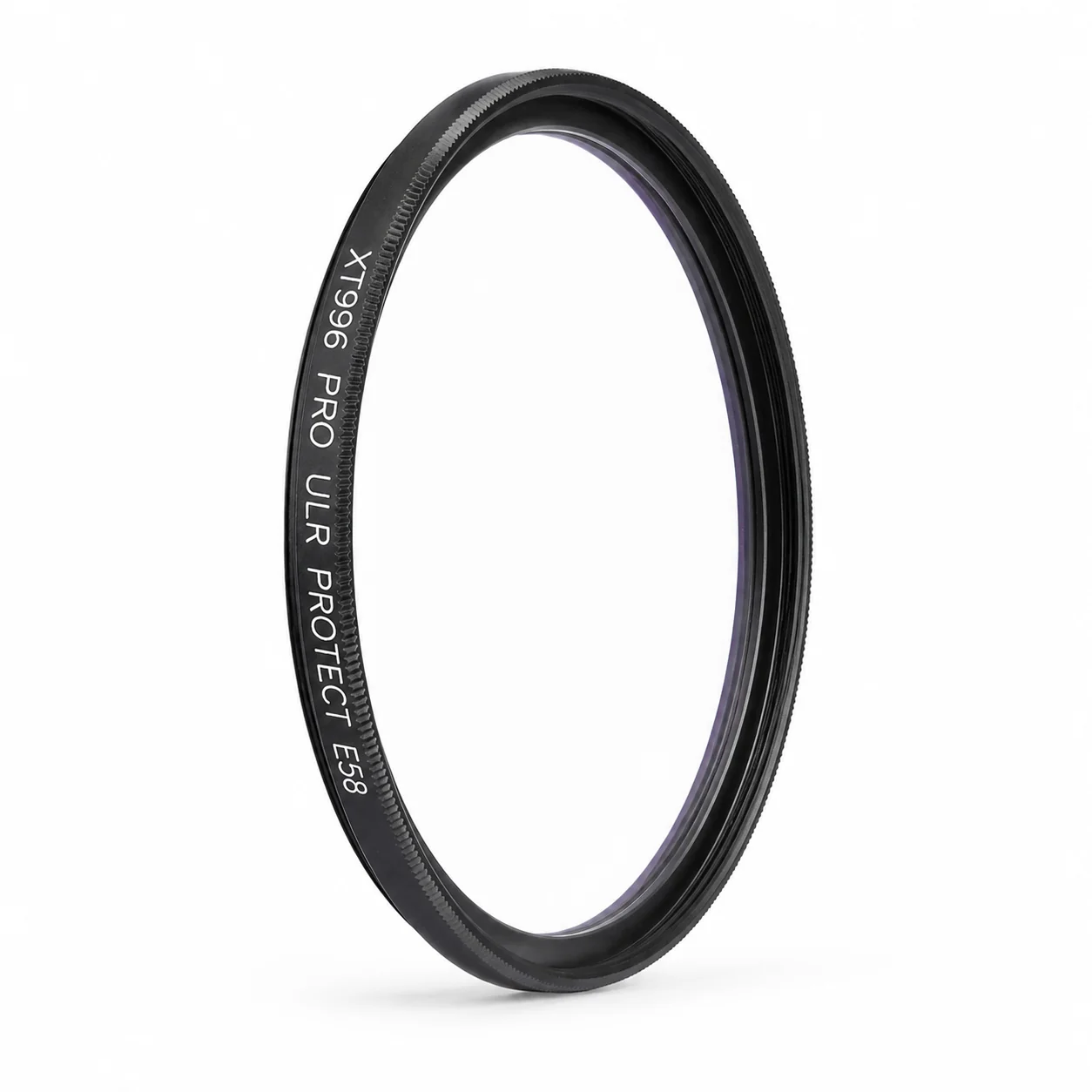
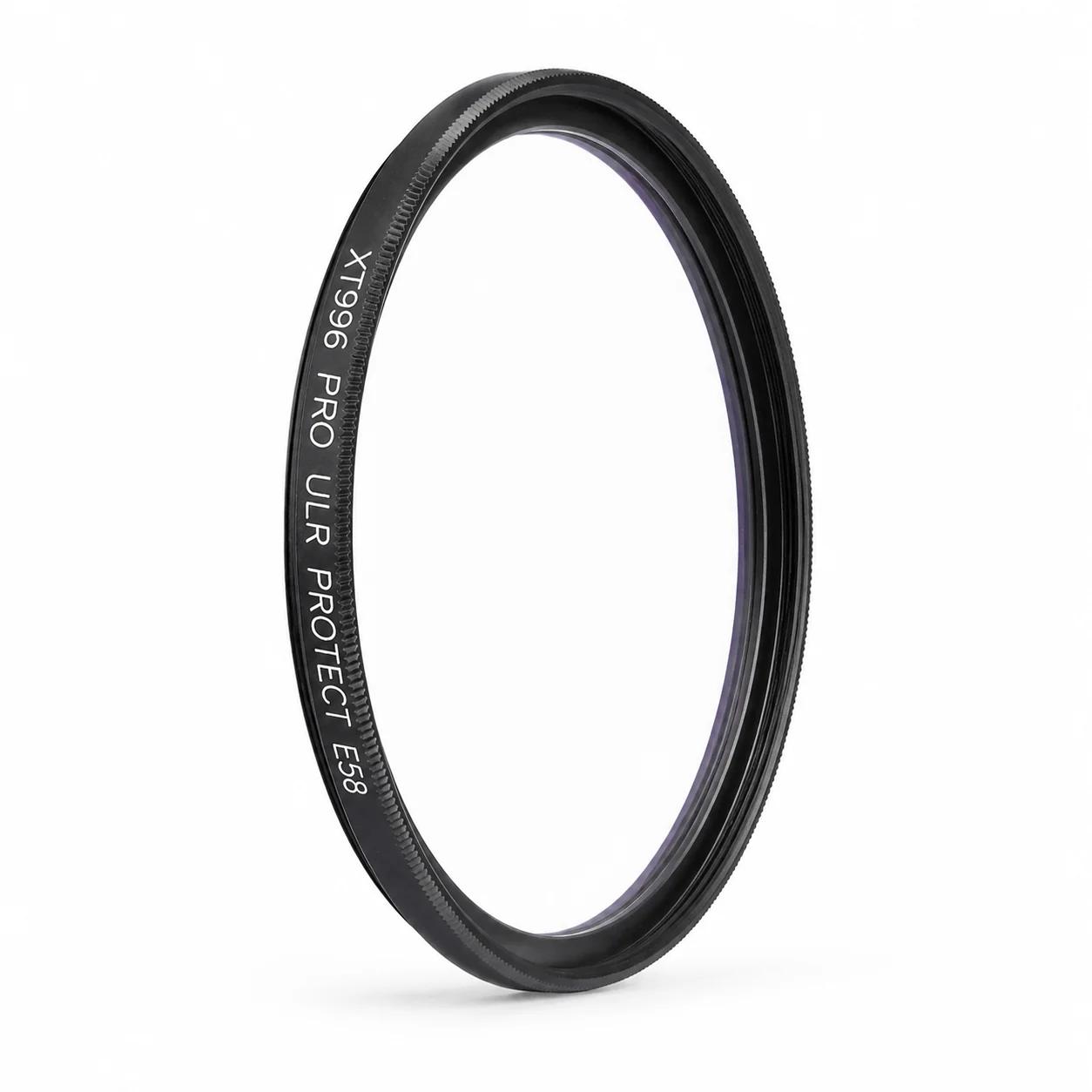
Once the adapter is on, any standard 49mm screw-in filter fits. For plain protection, the one I'd put on an X100 is our XT996 PRO in 49mm. It's clear glass in a black frame, with double-sided 36–48 layer multi-coating, average transmittance of ≈99.6% and average reflectance of ≈0.08%. On a small fixed lens that matters, because there's no swapping the front element if a scratch or a salt spray chip lands there, and you want the protector to stay out of the picture when you shoot into street lights.
We don't sell the X100 adapter ring itself. You'll need the AR-X100 or a third-party adapter first. If you haven't bought one yet and aren't sure which way to go, email me with your camera and the filter you want to use, and I'll tell you what I'd check before ordering.
Adapter first, 49mm filter second, close-focus test third. Do it in that order and the error usually doesn't come back.
— Leo Liang